Menu
Material-React-Toastify
GitHub
Material-React-Toastify
  • GitHub
  • Getting Started
    • Introduction
    • Installation
    • The gist of material-react-toastify
    • Release notes
  • Usage
    • Positioning toast
    • Handling autoClose
    • Render more than string
    • Remove toast programmatically
    • Pause toast timer when the window loses focus
    • Use a custom id
    • Prevent duplicate
    • Delay notification appearance
    • Limit the number of toast displayed
    • Use a controlled progress bar
    • Update a toast
    • Define callback
    • Listen for changes
    • Use a custom close button or remove it
    • Add an undo action to a toast (like Google Drive)
    • Usage with redux
    • Replace the default transition
    • Define a custom enter and exit transition
    • Drag to remove
    • Enable right to left support
    • Accessibility
    • Lazy container and multi-container
    • How to style
    • Dispatch toast outside of react component
  • API Reference
    • ToastContainer
    • toast
    • cssTransition
    • collapseToast
    • useToastContainer
    • useToast

Drag to remove

You can drag the toast to remove it:
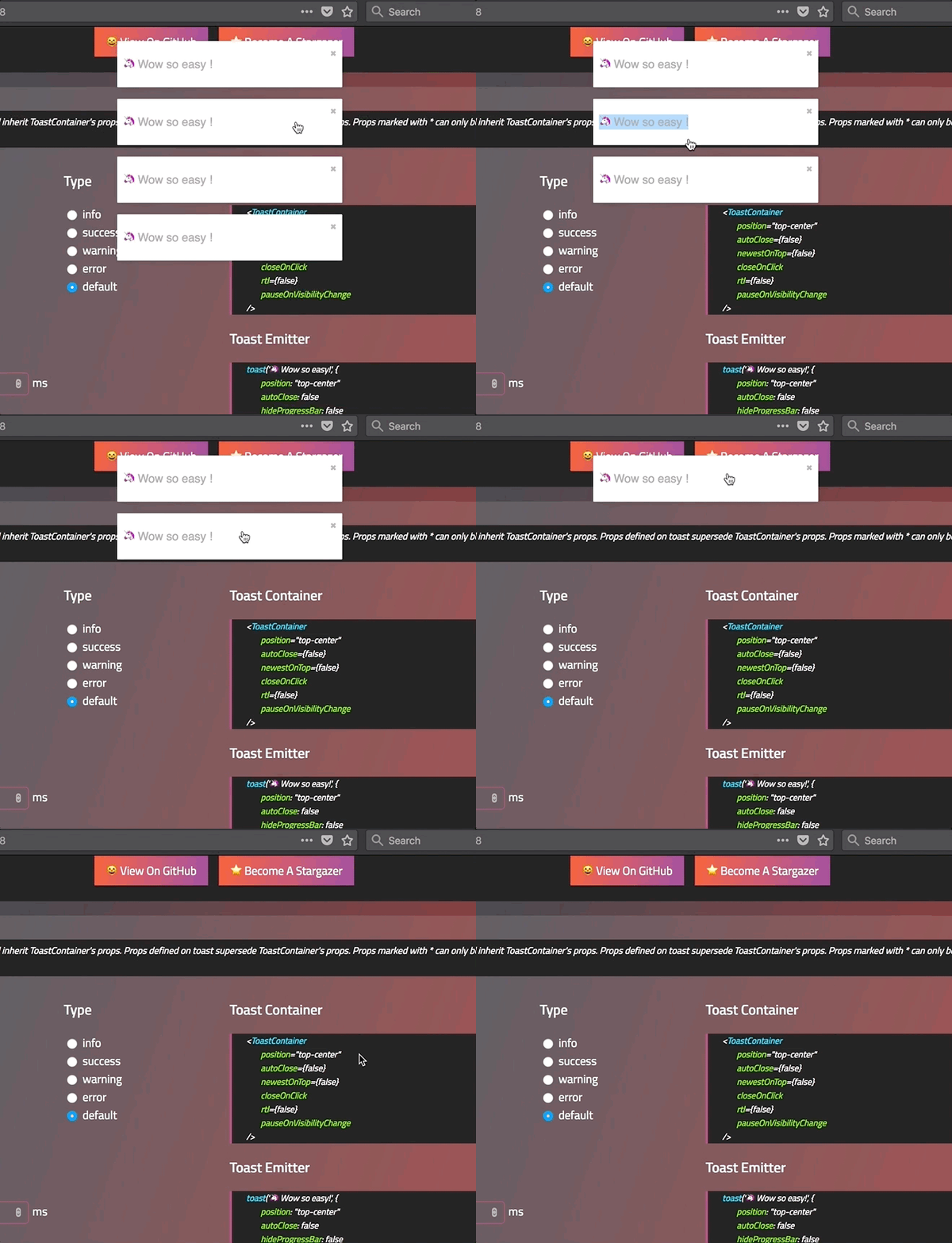
drag

#Define the width percentage to remove the toast

You need to drag 80% of the toast width to remove it. This can be changed to fit your need:

  • Replace the default one:
<ToastContainer draggablePercent={60} />
  • Replace per toast:
toast('Hello', {
draggablePercent: 60
});

#Disable it

  • Disable by default for all toast:
<ToastContainer draggable={false} />
  • Disable per toast:
toast('Hello', {
draggable: false
});
Edit this page
Previous
« Define a custom enter and exit transition
Next
Enable right to left support »
  • Define the width percentage to remove the toast
  • Disable it
Copyright © 2020 Fadi Khadra